
Utilizing GSAP and Lottie animations without distracting users
Learn how to strike the perfect balance between highly engaging interface motion and clean, accessible UX design.
Archie Cabilin
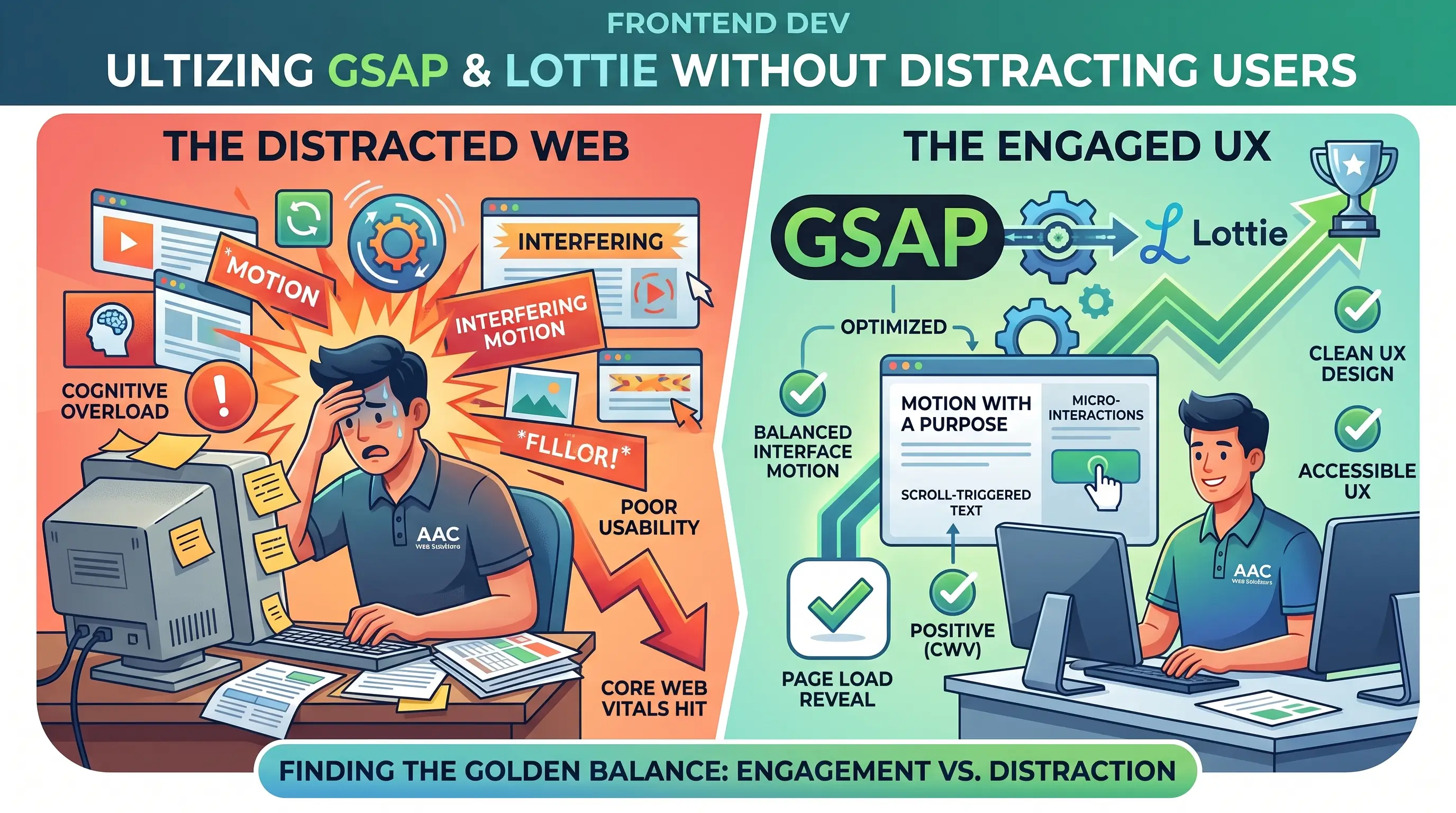
Web animation has come a long way. Gone are the days of clunky Flash banners; today, we have incredibly powerful tools like GSAP (GreenSock Animation Platform) and Lottie that allow us to build buttery-smooth, interactive experiences.
Motion with a Purpose
The golden rule of UI animation is simple: Motion must serve a purpose. It should guide the user's eye, confirm an action, or explain a complex concept visually.
- GSAP for structural animation: Perfect for page load reveals, scroll-triggered text effects, and layout transitions.
- Lottie for complex vectors: Ideal for engaging illustrations, hero graphics, and micro-interactions (like a heart icon filling up).
Avoiding Cognitive Overload
When every element on the page spins, fades, and bounces simultaneously, users get overwhelmed. The trick is to stagger your animations, keep durations under 500ms for UI elements, and always respect the user's system preferences.
By blending subtle GSAP scrolling with highly optimized Lottie files, you can create a premium website that feels alive—without sacrificing usability or Core Web Vitals scores.